

Weekday midday
Raise rates during busy hours
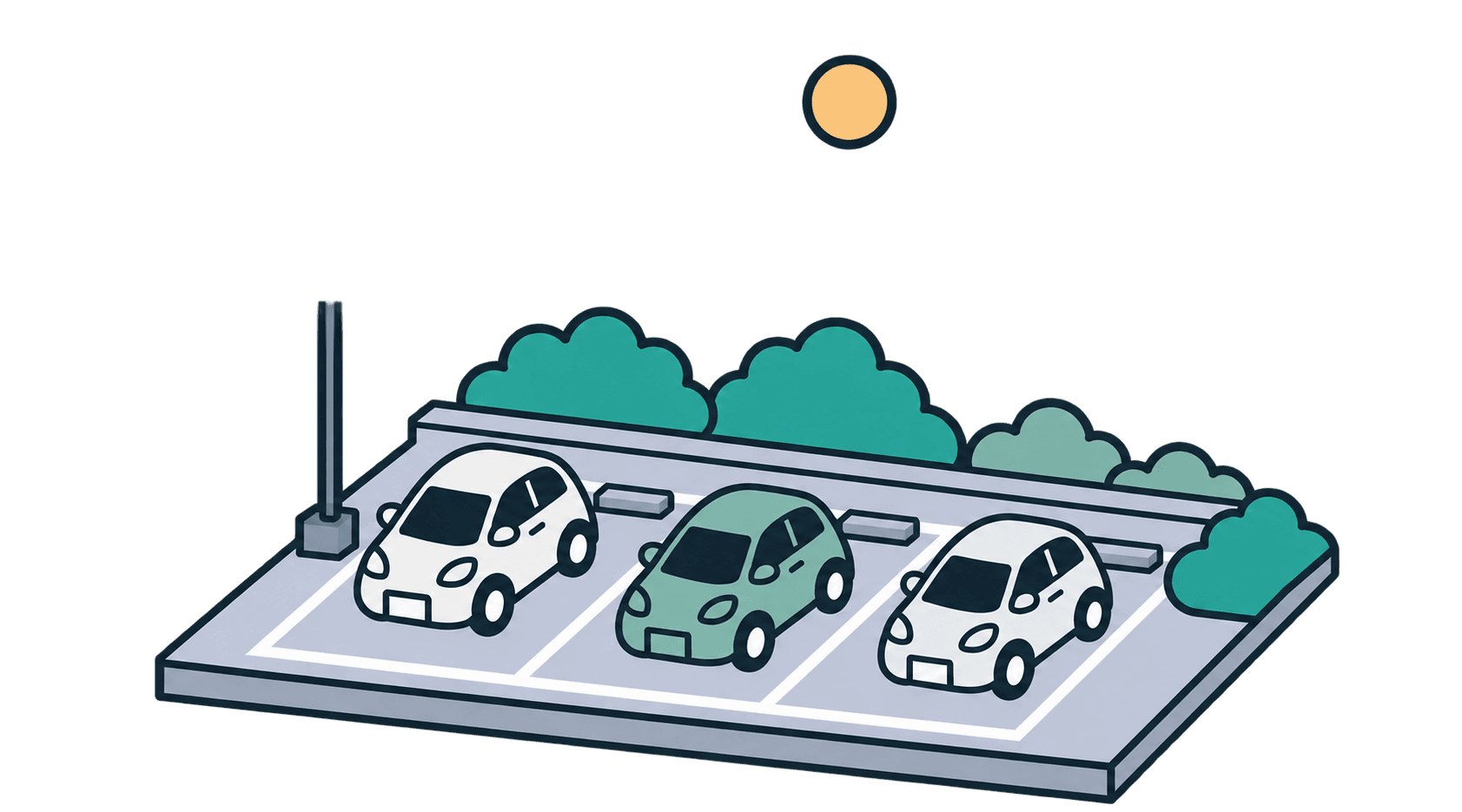
If the lot regularly fills up around midday on weekdays, raise the rate during those hours.
Install cameras and signs to get your parking lot set up. Then manage day-to-day operations from your dashboard.

Unattendedautomatic payments

Revenueat a glance

Multiple lots,one dashboard
Smooth services
Smooth Pay is a LINE app that automatically charges drivers for parking. Smooth Spot gives operators a web dashboard for managing multiple lots.
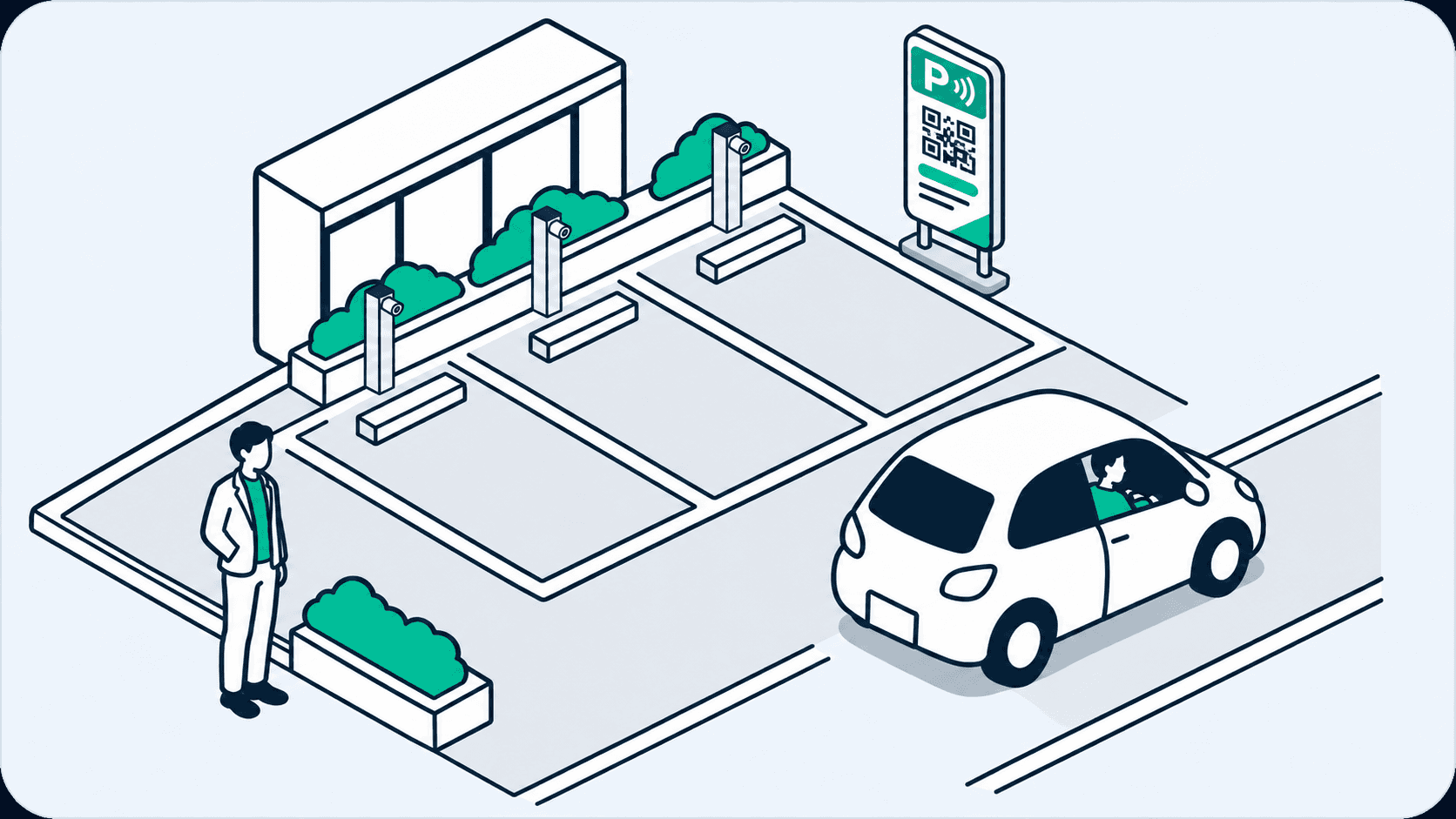
Parking lot equipment
Install cameras to recognize vehicles and signs that show drivers how to use Smooth.
FOR PARKING OPERATORS
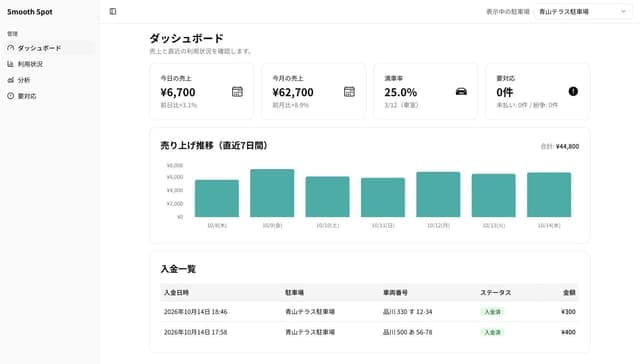
Check revenue, occupancy, arrivals, departures, and unpaid sessions across all your lots or one site at a time. Smooth Spot runs in a browser.
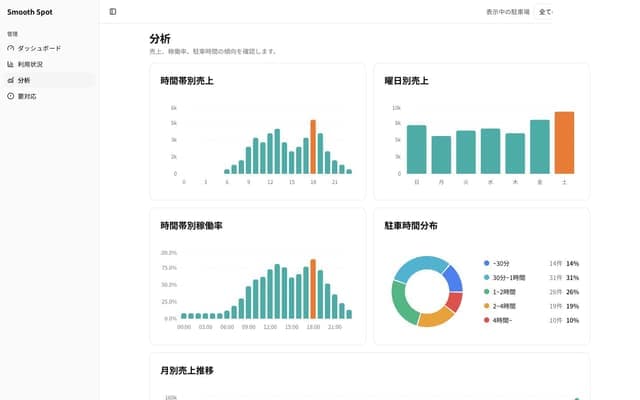
Smooth Spot analytics
Cameras record arrivals and departures so you can see occupancy by hour. The analytics screen also shows hourly revenue.
How to use your parking data
Weekday midday
If the lot regularly fills up around midday on weekdays, raise the rate during those hours.
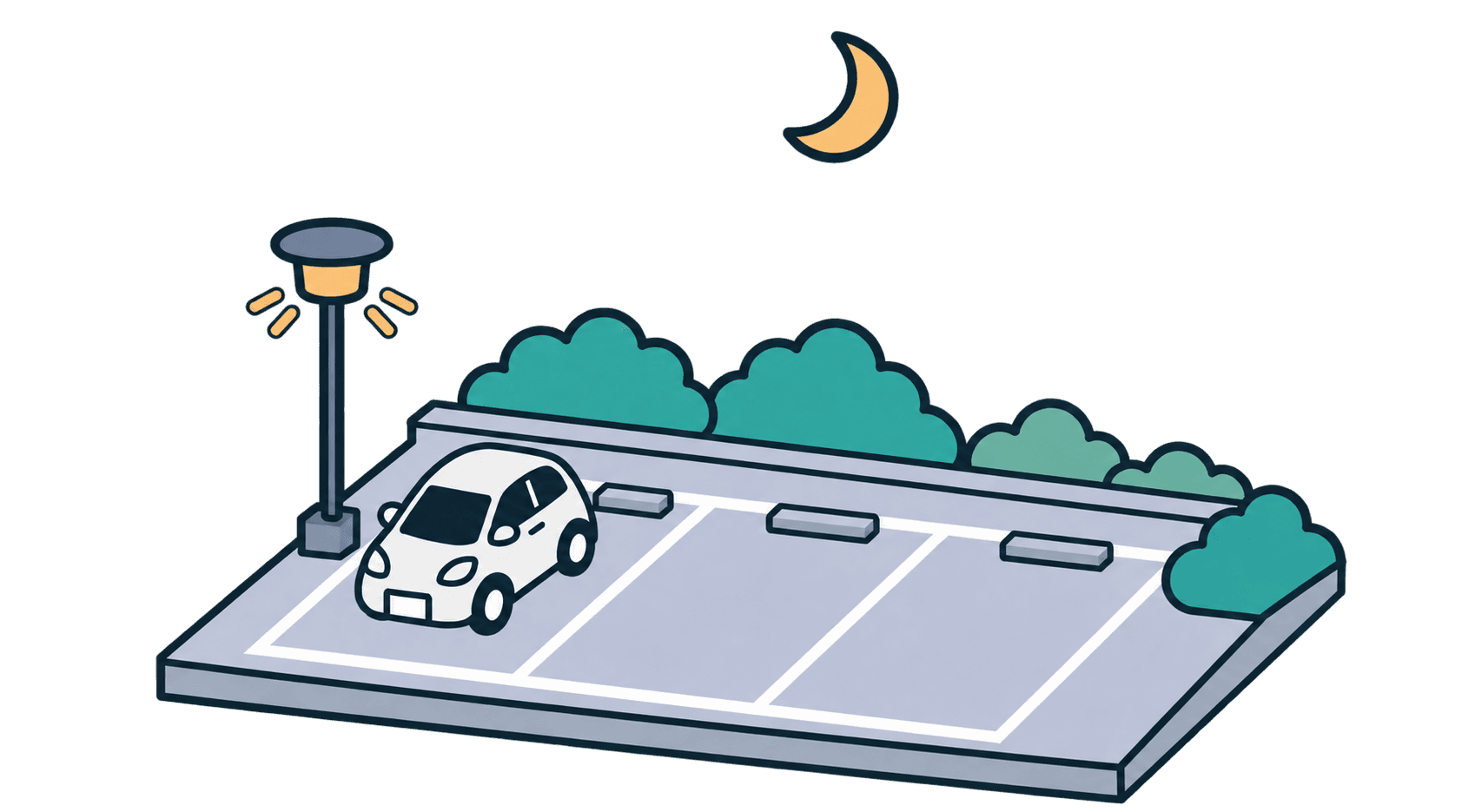
Overnight
If the lot has plenty of space at night, set an overnight maximum. Check whether more drivers stay overnight and whether spaces are still available in the morning.

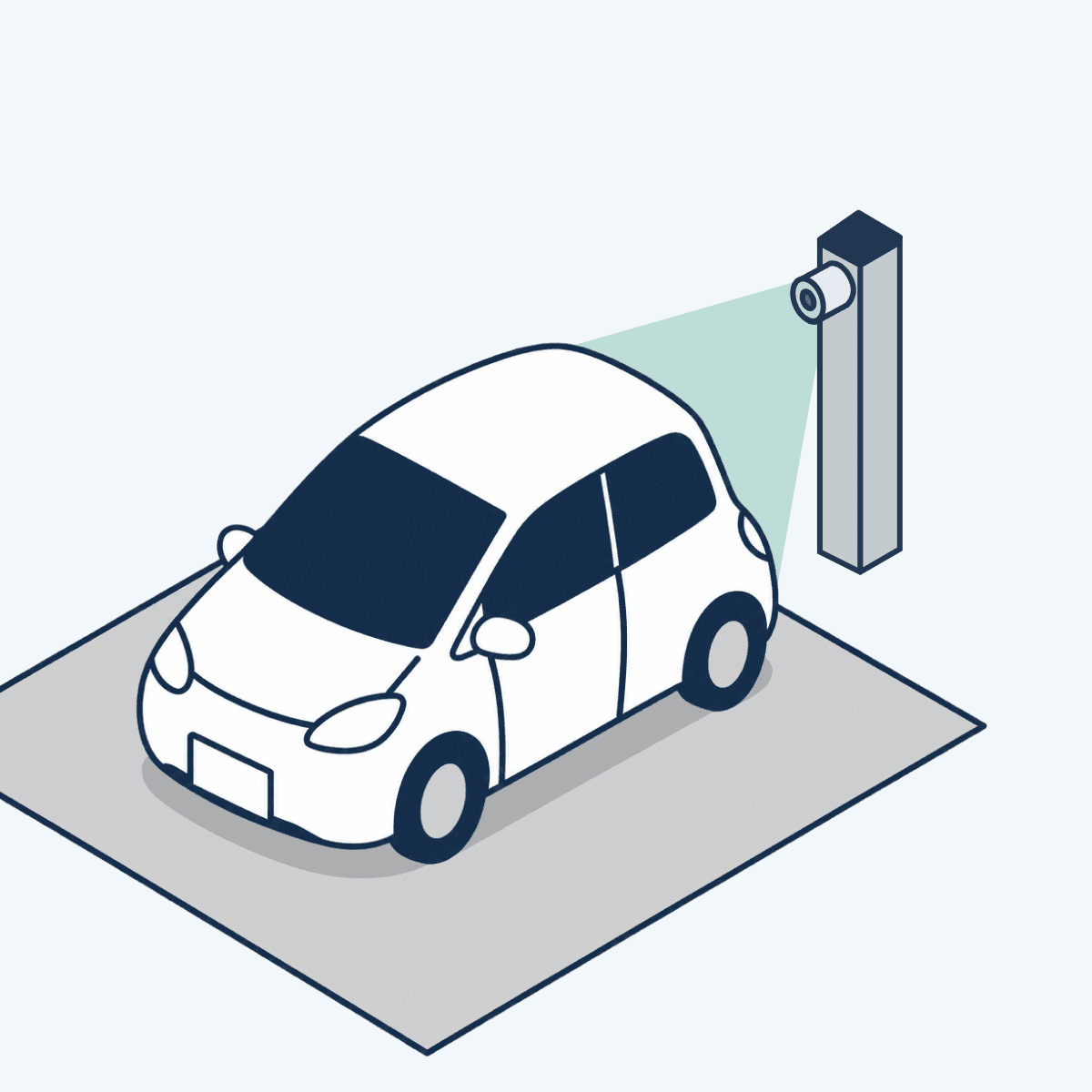



Equipment
Ticket and payment machines come with equipment and installation costs. When a machine breaks, you arrange its repair or replacement.
On site, you install cameras and signs. Smooth lends you the cameras and handles maintenance and replacements. Equipment rental is included in the payment processing fees, and a plan with no upfront payment is available.
Cash handling
With cash payment machines, someone has to visit the lot to collect cash and replenish change. For multiple lots, that means visiting each one.
Drivers with a registered card are charged automatically after they leave. These payments are transferred to your bank account monthly, saving on-site cash collection and change refills.
Phone support
When drivers call about a payment machine or another on-site issue, staff gather the details and contact the person responsible if an on-site visit is needed.
AI answers calls to the dedicated number on the sign. When the issue needs on-site attention, Smooth notifies the registered staff or security company.
Partner shop coupons
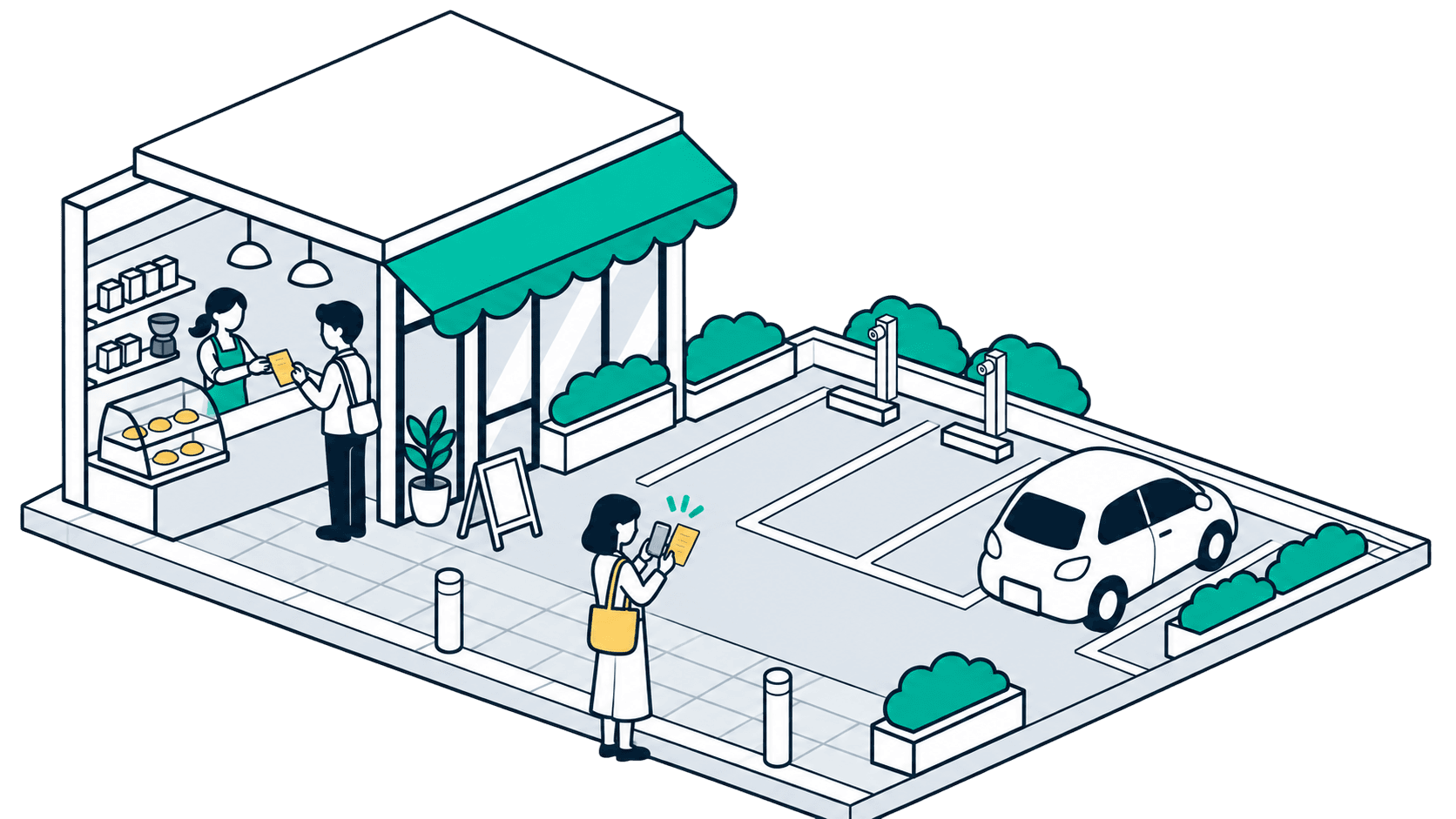
Shops can offer discounted parking to customers. Drivers claim the discount with a shopping receipt, and the discounts purchased by shops count toward parking revenue.
Shop
Shops buy parking credits to offer as a perk.
Driver
While parked, take a photo of an eligible receipt to get a discount under the applicable conditions.
Parking operator
Credits bought by shops count as parking revenue.
FOR DRIVERS
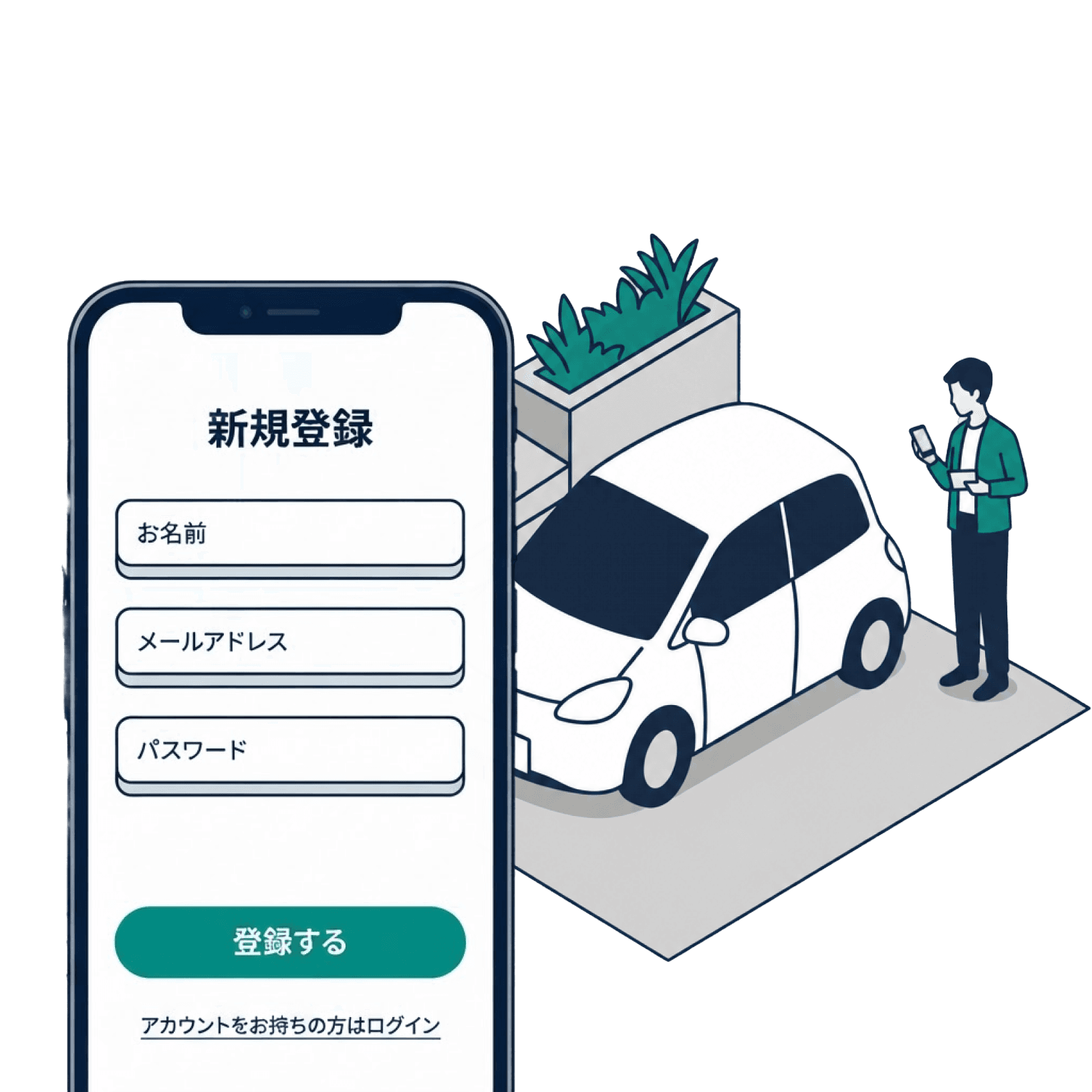
JUST ONCE
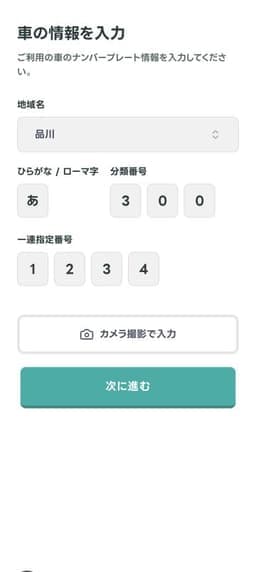
Open the mini app from Smooth’s official LINE account. Register your license plate and credit card.
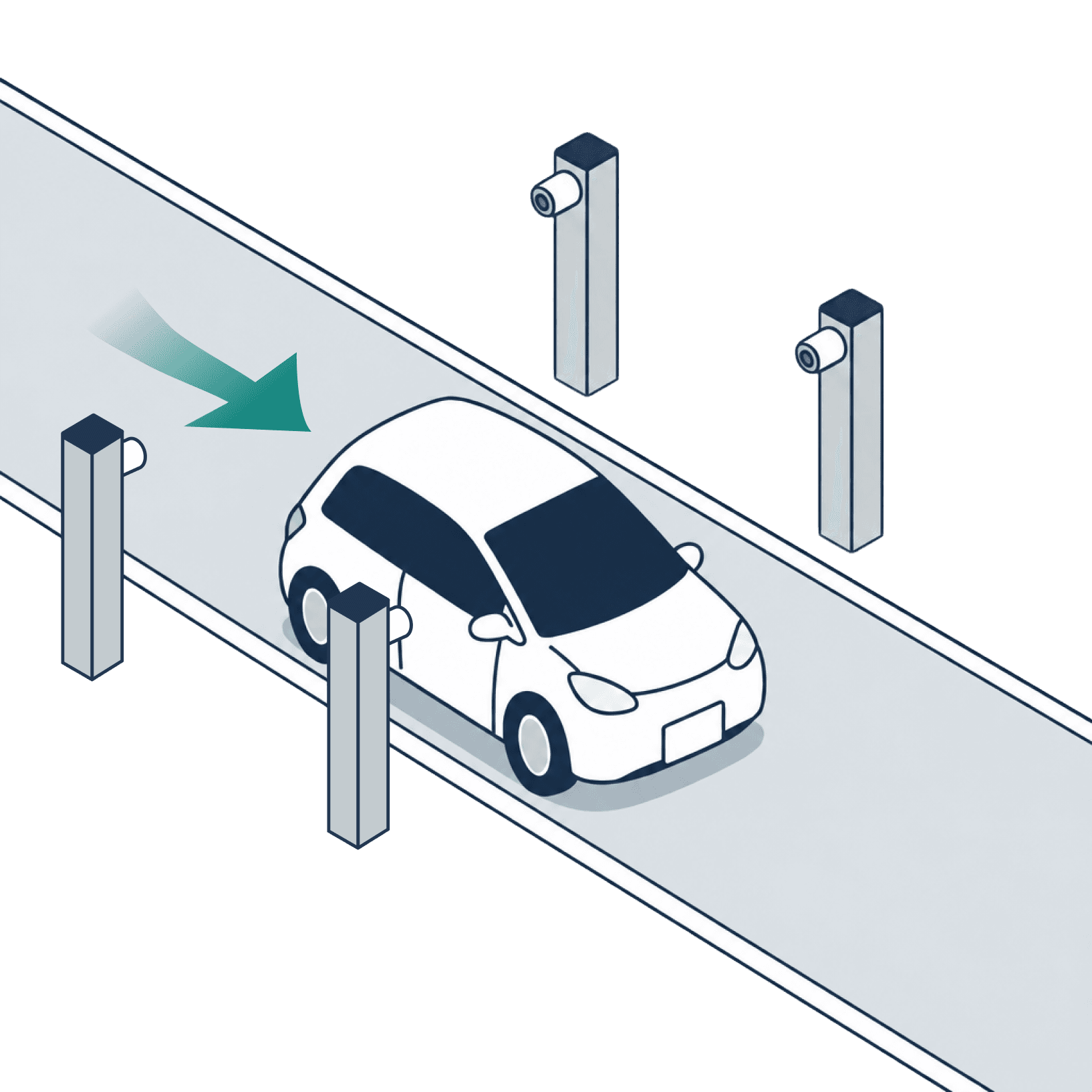
WHEN YOU ARRIVE
Park as usual. The camera recognizes your plate and records your parking session. There is no ticket to collect.
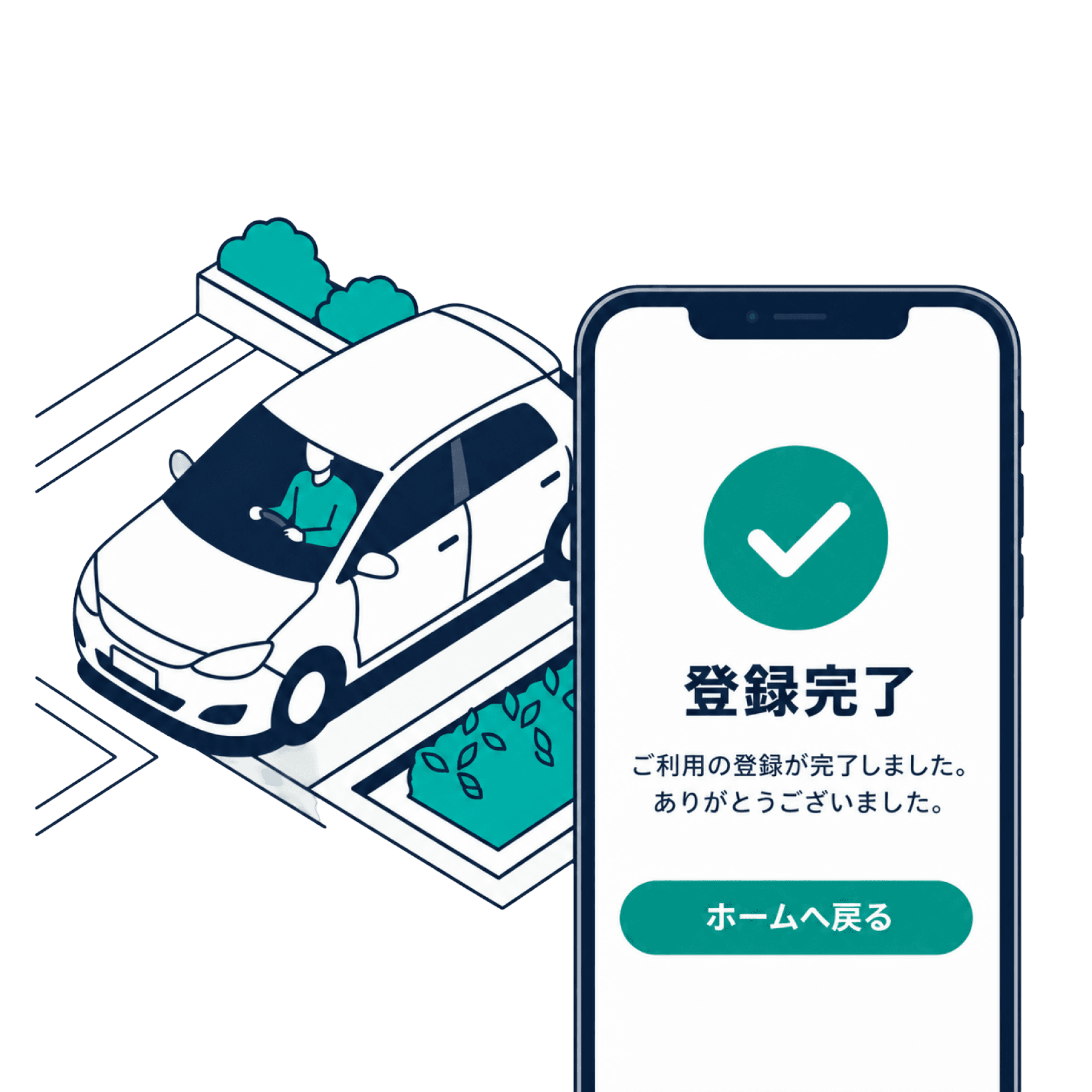
WHEN YOU LEAVE
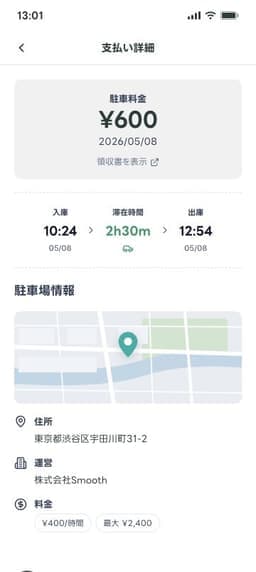
Your registered card is charged when your departure is detected. Find your receipt in your usage history.
Register your license plate and credit card. At supported parking lots, cameras record your arrival and departure, and your parking fee is charged automatically when you leave.
 Available through LINENo parking ticket neededPay automatically on departure
FAQ
A.No. Smooth Pay is a mini app that opens in LINE. Access it through Smooth’s official LINE account and register your license plate and credit card.
A.Scan the QR code at the parking lot to open Smooth’s official LINE account, then register your license plate and credit card. You can register after parking. Complete registration before leaving.
A.Smooth is available at supported parking lots. Look for the Smooth signs and QR code on site. You cannot use it at parking lots that do not support Smooth.
A.The Smooth Pay service is free to use. Parking charges apply separately, based on the parking lot’s rates and the length of your stay. Check the rates displayed on site before parking.
A.Your registered credit card is charged automatically when you leave. Find your receipt in the mini app’s usage history. If a payment fails, follow the payment instructions provided by Smooth or the parking operator.
A.Photograph an eligible purchase receipt while parked. Participating shops and discount terms vary by parking lot.
A.Yes. We will look at the size and access points of your existing lot and recommend a suitable installation.
A.Fees depend on your site, installation, and plan. The Zero Plan has no upfront payment. Contact us to discuss your options.
Get started with Smooth
Register your plate and card in LINE to pay automatically at supported parking lots.
Contact